
.png)
.webp)
Nobody warns you about the CRM problem until you’re already buried in scattered notes, a broken spreadsheet, and a sales team that's following up on the same lead twice. It's one of those things founders discover the hard way. Usually, after losing a deal because someone missed a follow-up.
The real question isn't whether you need a CRM. It's which one fits your stage, team size, and how you actually sell and that's what this comparison answers. HubSpot says it’s for growth teams. Salesforce says it scales. Close CRM says it’s built for sales. And they’re all technically right for someone. The question is whether that someone is you, at the stage your business is actually at right now.
This isn’t a roundup that ranks CRMs by star rating. It’s a practical breakdown of what actually matters when you’re picking a Customer Relationship Management system for an early-stage company and what you should stop agonising over until you actually need it.
Which CRM is best for early-stage startups in 2026?
.webp)
What to Look for in a CRM When You’re Pre-Revenue or Early-Stage
Pre-revenue is a strange place to be picking a CRM. You don’t have enough customer data to know what you’ll eventually need, but you know you’re about to start generating leads, and you can’t afford to let any of them fall through.
From what I’ve seen, the biggest mistake founders make at this stage is over-buying. They sign up for Salesforce because it sounds serious, spend two weeks setting it up, and then don’t actually use it because the interface is too complex for a three-person team. The CRM you pick at this stage should be boring in the best possible sense easy to open, easy to update, and easy for your co-founder to understand without a training session.
If I were starting a company today with three people, I would use HubSpot for free for the first year. Full stop. AI-powered chatbots and predictive analytics can wait.
One thing that often gets skipped is checking integration capabilities before committing. If your team is already living in Google Workspace, you want a CRM that connects to Google Contacts and plays well with your email plugin. Otherwise, adoption collapses within weeks.
.webp)
How to Choose a CRM Based on Your Startup’s Stage, Team Size, and Budget
Team size matters more than people admit when it comes to CRM selection. A solo founder doing outbound needs something completely different from a seven-person sales team running multi-channel outreach.
Here’s a rough mental model that’s worked in practice:
.webp)
Budget is the honest constraint that most comparisons dance around. A $50/user/month tool is painless at Series A but genuinely painful at the idea stage.Look for platforms that offer a freemium model or a startup program, such as HubSpot and Zoho CRM, which both have options that let you grow into paid without a forced commitment.
Key Features That Actually Matter for Startups (And Ones You Can Ignore)
Let’s be direct about this: In my experience, most CRM feature lists read like they were written for enterprise buyers, not startups.
The things that actually move the needle early on are contact management, a visual pipeline, email tracking, and basic reporting. If you can see where every deal is, know when your last touchpoint was, and get alerted when a prospect goes cold, you're ahead of most early-stage teams.
.webp)
What you can ignore for now: advanced automation builder flows, AI-personalised messaging, conversation intelligence, Power Dialer features, and anything involving generative AI tools that require a data set you don’t have yet. These are legitimately useful at scale. At 50 contacts under management, they’re noise.
One feature that’s underrated and often overlooked: a good mobile web app or native app experience. Sales happen in hallways at conferences. If updating a deal card requires a laptop, it won’t happen.
Which CRM works best for small businesses replacing manual workflows?
How do small businesses replace manual workflows with CRM?
Most small business owners don’t think of themselves as having a “sales process.” They have a list, a memory, and a follow-up system that lives somewhere between their inbox and their head. That works until it doesn’t and it usually stops working around the time they hire their second person and realise nobody else can read their mind.
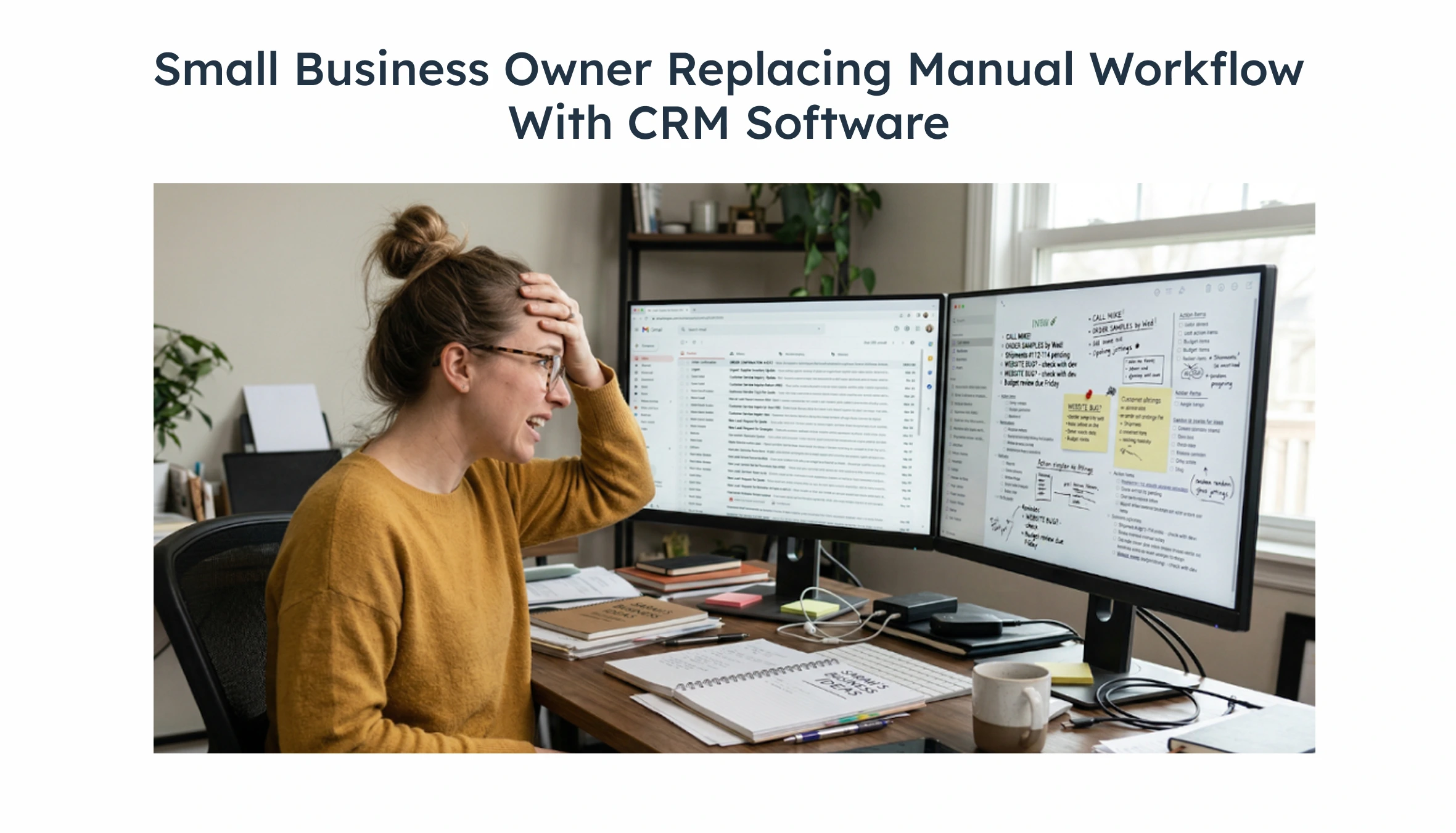
CRM tools replace that informal system with something everyone can see. The centralised data management alone is worth it, because instead of hunting through email threads to remember what was promised to which client, it's all in one place. Deal cards show where each conversation stands. The activity log shows who did what and when.
In one project I worked on advising an early-stage SaaS company, the founding team was using Google Sheets to track their entire pipeline. It worked fine with 20 leads. At 80, things started breaking duplicate entries, no email tracking, zero visibility for the new sales hire. Switching to a simple CRM didn’t just fix the workflow; it exposed deals that had been sitting untouched for six weeks.
From our work with 50+ startups at BNXT.ai, we observed that 70% of teams abandon their CRM within 60 days of implementation. The primary reason is complexity, not pricing. Teams that start with a CRM matching their current workflow (not their future one) show significantly better 90-day adoption.
Task automation is the next unlock. Teams that implement basic CRM automation reduce manual follow-up time by an average of 40% within the first 90 days (source: HubSpot State of Sales Report 2024). Auto-reminders for follow-ups, automated email sequences for leads who haven’t responded these small things compound over time.
What are the best CRM tools for small businesses?
HubSpot CRM is the default recommendation for most small businesses, and honestly, it earns that position. The free tier is genuinely useful, not a bait-and-switch, and covers contact management, deal tracking, email tracking, and basic reporting. The integration ecosystem is excellent, especially if you’re running any Google Ads or Facebook Lead Ads campaigns alongside your outbound.
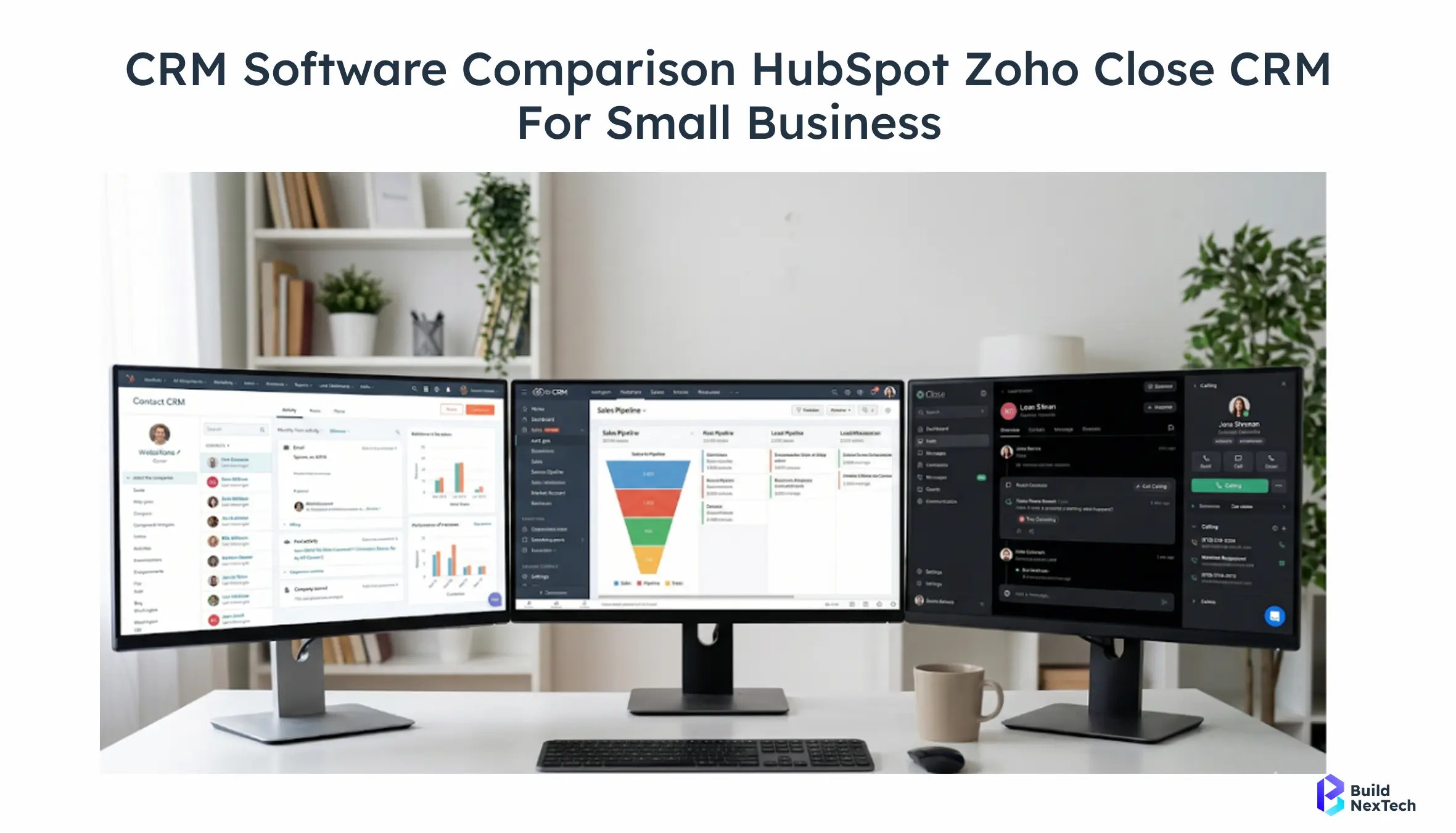
Zoho CRM is the smarter choice if you’re cost-sensitive and don’t mind a steeper initial learning curve. The platform has a remarkable depth of features Zoho Zia for AI-assisted suggestions, integration with Zoho Projects for cross-functional teams, and solid email marketing automation. Where HubSpot wins on polish, Zoho wins on value per dollar.
NetHunt CRM is worth mentioning for teams that are completely embedded in Gmail and Google Workspace. It lives inside your inbox as a browser extension and turns emails into CRM records without switching tabs. For teams where the inbox is already the centre of everything, this dramatically improves user adoption.
Close CRM is the pick for pure-play inside sales teams. It’s built around calling with a Power Dialer, Voicemail Drop, and SMS messages built in and everything is structured around the call-first sales motion. If your primary channel is phone outreach, it’s hard to beat.
If I had to pick one CRM for a team doing 50+ outbound calls per week, it would be Close CRM, and it wouldn't be a close decision.
How do CRM pricing models work for small businesses?
Pricing in the CRM space runs on three main models:
1. Freemium model: Free core, paid for automation/reporting
2. Per-user monthly: Most common; Zoho from $14/user
3. Annual plan: Saves 15–20% vs monthly
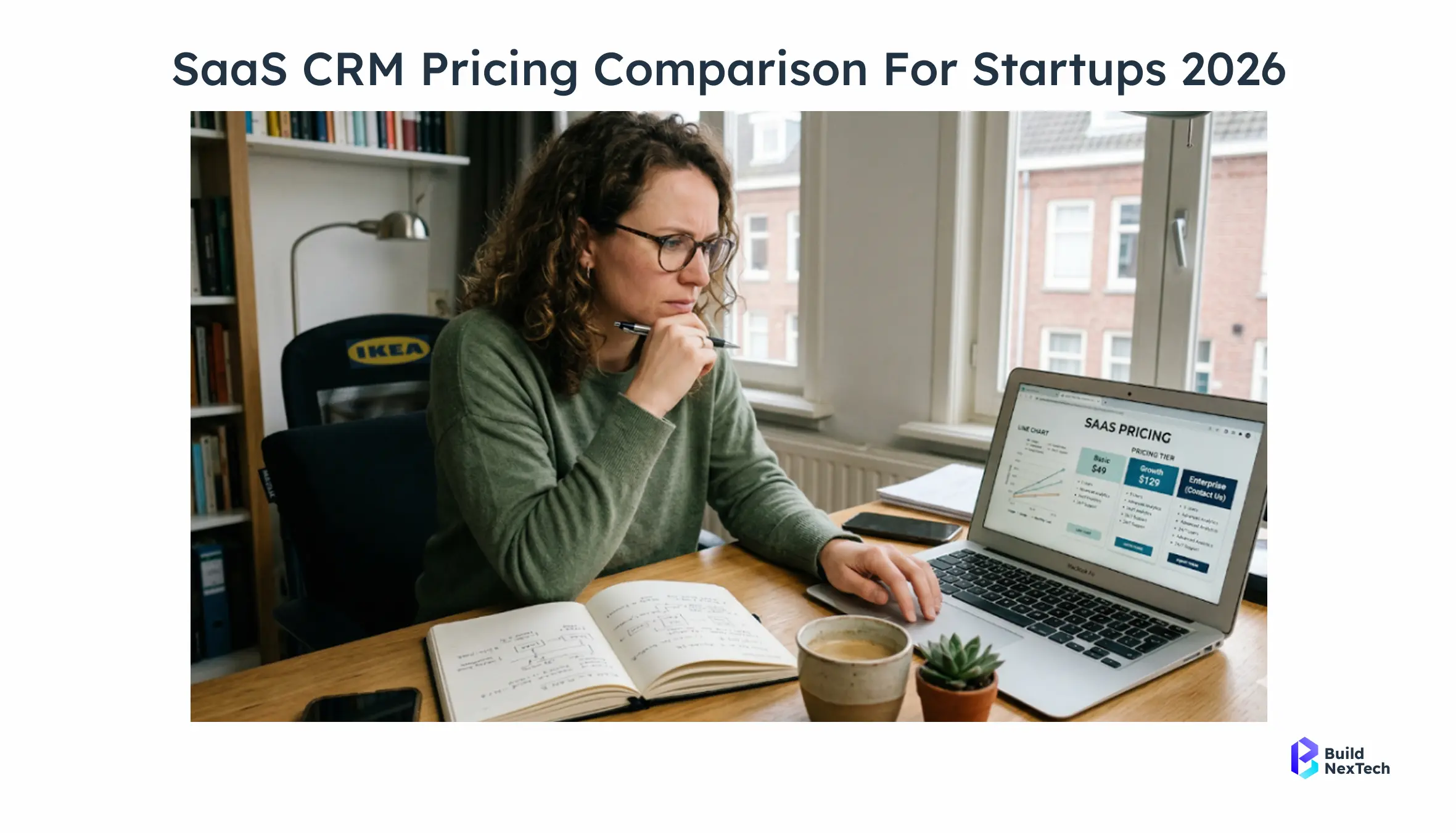
Know what triggers the upgrade before you commit: some teams hit the ceiling fast.
Per-user monthly subscriptions are the most common model. Zoho CRM starts at around $14/user/month for the Standard plan. Close CRM runs higher, starting around $49/user/month, but the built-in calling features replace tools you’d otherwise pay for separately. Always calculate total stack cost, not just CRM cost.
Annual plans typically save 15–20% versus monthly billing. If you’re confident in your CRM choice, locking in annually is usually worth it. The pay-as-you-go model is rare in full CRMs but sometimes appears in add-ons like contact enrichment credits or email-find credits.
Which free CRM is actually good enough for a startup in 2026?
Are Free CRM Tools Enough for Startups?
The honest answer is: for most pre-seed and seed-stage startups, yes at least for the first 6 to 12 months.
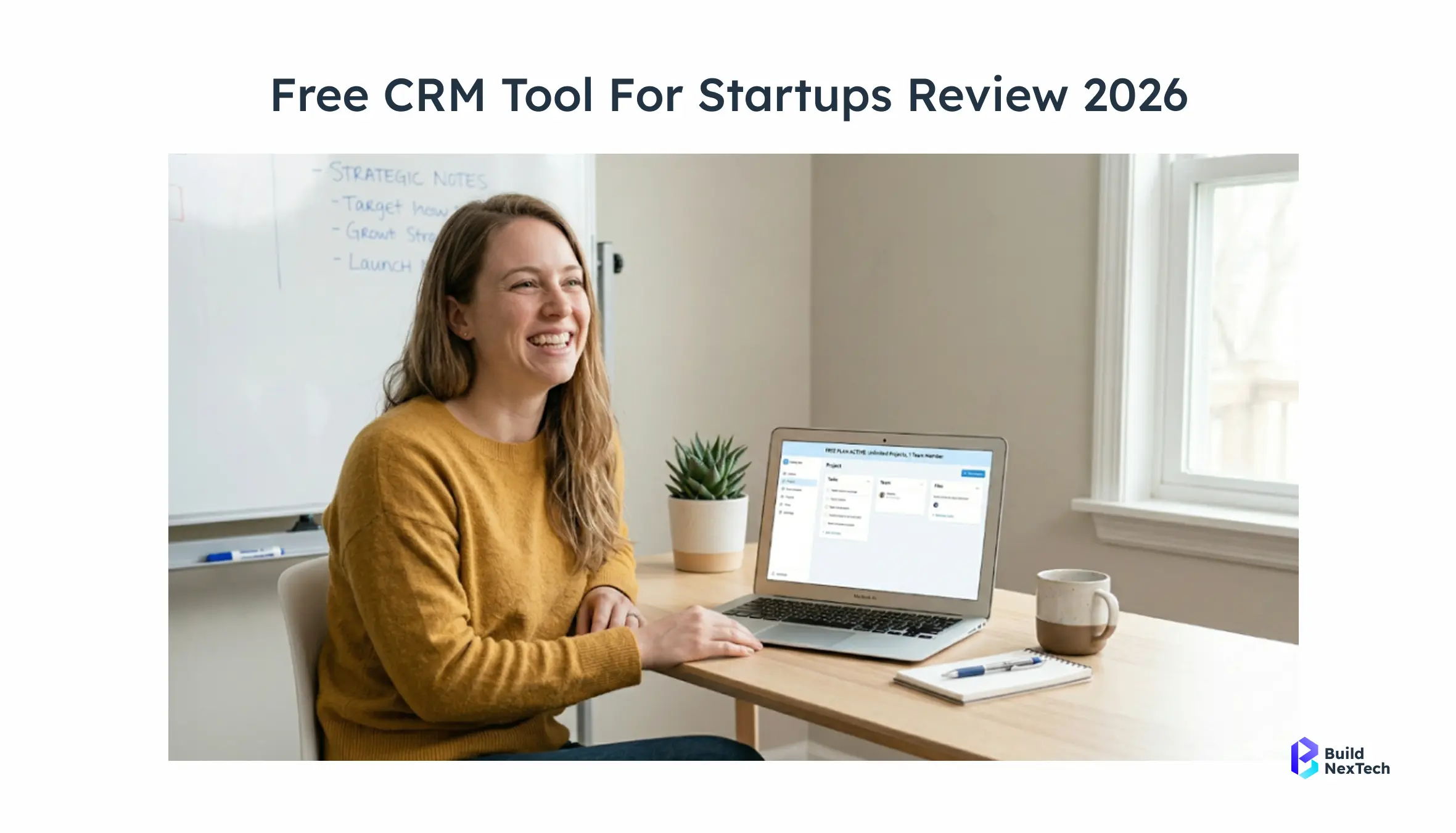
The trap is thinking a free CRM means a bad CRM. HubSpot’s free tier, Zoho’s free plan for up to three users, and Bitrix24’s free offering are all legitimately functional tools. They handle contact information, sales pipelines, and basic reporting without charging you anything.
Where they fall short is predictable: user limits hit growing teams, storage constraints become real once you’re tracking hundreds of contacts, and you lose access to things like email marketing automation, lead scoring, and custom reporting until you pay. These aren’t dealbreakers early on — they’re just things to plan for.
Pick a free CRM that has a clear, affordable upgrade path. Not a cliff.
Which free CRM tools are best for startups?
HubSpot CRM (Free): Still the benchmark. Clean user interface, solid contact management, deal pipeline, email tracking, and a huge library of integrations, including Google Workspace, LinkedIn sidebar, and Facebook Lead Ads. The free tier doesn’t expire and doesn’t feel crippled.
Zoho CRM (Free Edition): Capped at three users, but within that limit, it punches above its weight. You get lead management, basic workflow rules, and integration with Google Contacts and Google Sheets. If your founding team is three people and you’re already in the Zoho ecosystem, start here.
Bitrix24 (Free): The most feature-dense free option, especially on collaboration. Team Inbox, task management, and a built-in activity log all come free. The interface is dense some would say cluttered but teams that need collaboration tools baked in alongside CRM functionality find it worth the learning curve.
Monday CRM: Better known as a project management tool, but the CRM layer is solid. Deal cards are visual, the pipeline is easy to configure, and the overall experience is more modern-feeling than many alternatives. The free plan is limited, but the workflow builder is notably strong.
Nutshell CRM offers a free trial rather than a permanent free plan, but it’s worth mentioning for B2B teams because of its clean sales pipeline design and built-in email sequences. It sits in an interesting middle ground between simple CRM and a lightweight sales engagement platform.
When should you upgrade from free to paid CRM?
There are a few clear signals and in my experience, most teams wait longer than they should to act on them.
The most obvious one is team growth. When you’re adding your fourth or fifth person and the free plan caps you at three users, you’re already behind. User adoption suffers when people share accounts or manually relay updates.
The second signal is reporting needs. When your CEO starts asking for a pipeline report, and you’re exporting to a spreadsheet to build one, it’s time. Paid tiers typically unlock real sales forecasting, deal score tracking, and Looker Studio-compatible data exports.
The third signal, and the most overlooked one, is when your outbound motion scales up. Free CRM tools generally don’t include email campaigns, multi-channel outreach sequencing, or TikTok Lead Generation integrations. If you’re running active lead generation campaigns, you need these features to close the loop between marketing and sales.
How do the top CRM tools for startups compare head-to-head?
How do you use a CRM comparison chart effectively?
A comparison chart is only useful if the columns match what you actually care about.
The mistake. In my experience, one mistake I’ve seen teams make is pulling a generic chart from a review site and using it to make a decision. Those charts optimise for what’s measurable and easily communicated number of integrations, star ratings, price per user not for the things that determine whether your team will actually use the tool six months from now.
Build your own shortlist based on your specific criteria. If email tracking is a dealbreaker, make that a binary filter. If Zoho Projects integration matters because your ops team lives there, include it. Don’t let anyone else’s priority list become yours.
Then use the chart to pressure-test your gut feeling, not replace it. If you already like HubSpot but the chart shows Close CRM scores higher on sales pipeline features, dig into whether those specific features are things you’d actually use or just impressive to look at.
How do leading CRM tools compare in features?
In my experience, the feature teams end up using more than expected is the activity log, and almost every major CRM handles this well. Where they diverge meaningfully is in automation depth and AI technology. HubSpot Breeze Copilot and Zoho Zia both bring generative tools into the CRM layer, but they’re paid add-ons and require meaningful data volume to be useful.
What is the real cost breakdown of CRM tools?
One honest note: these prices are entry points, not true costs. In my experience, the real cost tends to run meaningfully higher than the per-user sticker price once add-ons, integrations, and onboarding are in the picture. Run a total-cost-of-ownership calculation before signing anything annually.
Which CRM has the best AI features for a startup team right now?
From what I’ve seen, AI features in CRM platforms are becoming more visible, but how much value teams get from them still depends heavily on how they’re implemented and adopted.
HubSpot's Breeze Copilot and Zoho's Zia are the most visible AI layers in this category. Both are most useful when they reduce manual effort inside existing workflows logging activities, suggesting next steps, drafting follow-ups rather than introducing entirely new processes.
In my experience, the real benefit of AI in CRM shows up when it saves time on repetitive actions like updating records, capturing interactions, or suggesting next steps without requiring additional setup or training. When that balance isn’t there, I’ve seen teams ignore these features entirely.
Overall, from teams I’ve worked with, AI in CRM tends to be most effective when it stays in the background and supports day-to-day tasks, rather than trying to take over core decision-making.
In my view, AI features in CRM are largely marketing right now for teams under 100 contacts. Focus on process first.
Which CRM integrates best with Gmail, Slack, and your existing tools?
The CRM doesn’t live in isolation. It sits in the middle of your sales stack and how well it connects to everything else determines whether it actually gets used.
From what I’ve seen, the integrations that matter most for early-stage startups:
Email - Gmail or Outlook native sync, not Zapier.
Calendar - Google Calendar or Outlook for scheduling and meeting tracking.
Ad platforms - Google Ads, Facebook Lead Ads for closing the lead generation loop. Communication tools - Slack for deal alerts - SMS messages for prospect outreach
A common mistake teams make is choosing a CRM based on how many integrations it claims and not checking whether the specific integrations they need are native or require a third-party connector like Zapier. If your entire team runs on Google Workspace and the CRM you’re considering requires a paid connector for Google Contacts sync, that’s a real operational cost you need to price in.
NetHunt CRM’s browser extension approach running directly inside Gmail is worth highlighting here. For teams where the inbox is the primary work surface, eliminating the tab-switching reduces friction dramatically. It’s not the right fit for everyone, but in every team I've seen switch to an inbox-native CRM, adoption held up better than with standalone tools reduced context-switching drives the adoption improvement.CRM adoption rates are 26% higher when the tool integrates natively with existing email clients versus standalone platforms (source: Nucleus Research).
Which CRM makes lead management and pipeline tracking easiest for startups?
Getting a CRM is the easy part. Getting your team to actually use it consistently is the real challenge.
“Proposal Sent” sounds obvious until you realise two reps define it completely differently. In my experience, this kind of inconsistency is what breaks a sales funnel before it even has a chance to work
CRM software handles all three, but only if it's set up intentionally.
The teams that get the most out of their CRM are the ones who treat it as a single source of truth from day one. No side spreadsheets, no scattered notes. Every call gets logged. Every email gets tracked. It sounds simple, but it requires real discipline in the first 30 days.
Which CRM is best for customer retention, not just lead tracking?
Most CRM setups I've seen are built entirely around acquisition, leaving the retention use case untouched, even though the system is already capable of supporting it.
But customer retention is where the real money is, and CRM software is genuinely powerful for that use case. Customer data fields can track product usage milestones, renewal dates, support ticket history, and satisfaction signals. The customer journey doesn’t end at closed-won.
Customer experience automation automated check-ins, re-engagement email campaigns, usage-triggered alerts is increasingly available even in mid-tier CRM plans. Zoho CRM’s customer experience automation features, for instance, let you build trigger-based workflows that fire when a customer hits certain thresholds, without requiring a dedicated customer success platform.
It also makes customer engagement conversations more informed your sales rep knows the client’s full history before they pick up the phone, not just what happened during the sales cycle. Companies that use CRM for both acquisition and retention see 27% higher customer retention rates on average (source: Salesforce Customer Success Report).
Conclusion: Building the Right CRM Strategy for Sustainable Growth
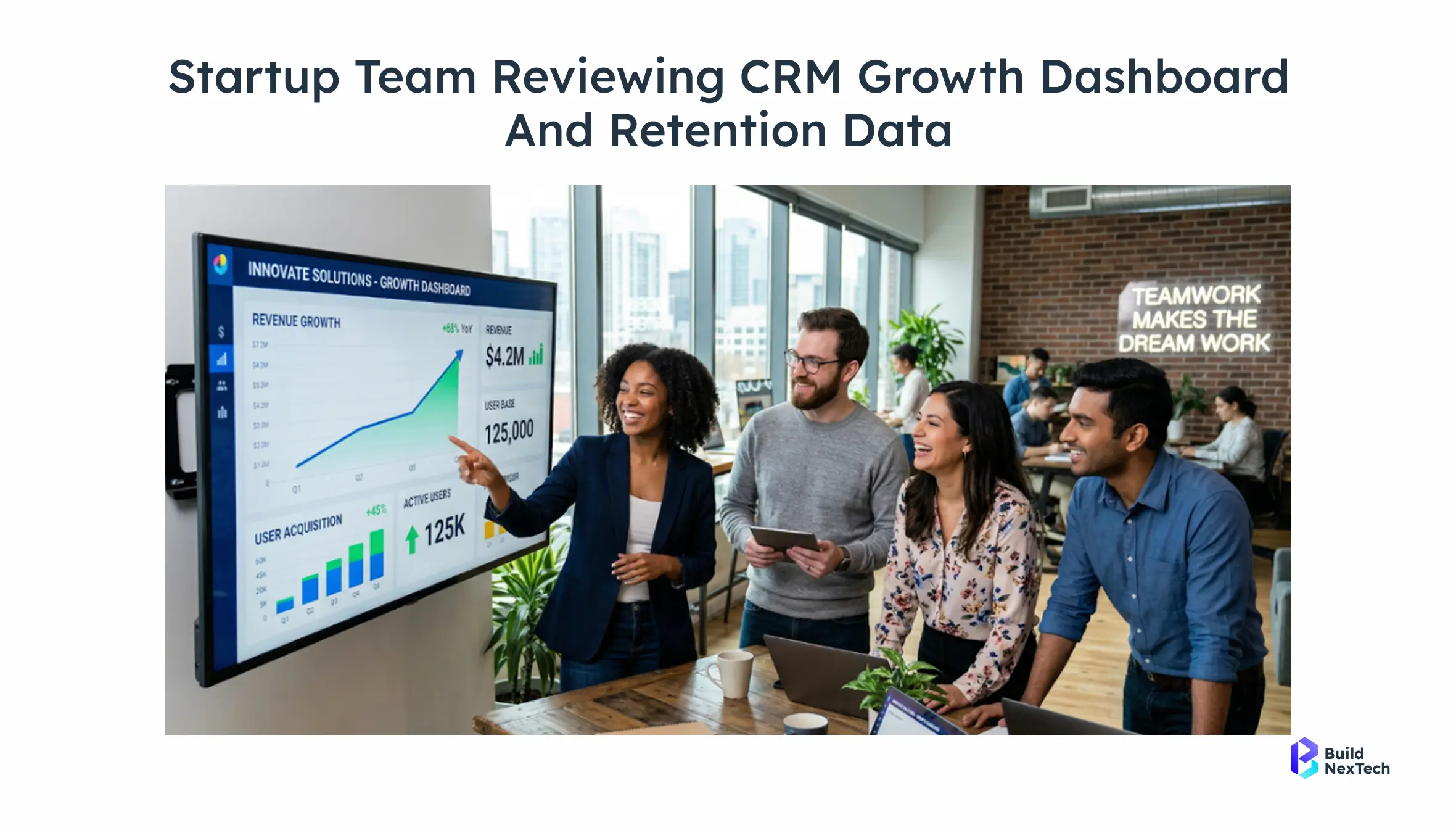
The right CRM for your startup is probably not the most sophisticated one, and it’s definitely not the one with the longest feature list. It’s the one your team will actually open every morning, update without being reminded, and trust as the source of truth for every customer conversation.
In my experience, if you’re pre-revenue, it’s best to start with a free tool and keep things simple so you’re not overbuilding too early. As teams move into early-stage growth with a sales team forming, I’ve seen it make sense to invest in a platform that supports structure, collaboration, and basic automation. Once you’re scaling with a more defined revenue motion, that’s usually the point where evaluating tools like Close CRM or Salesforce becomes more practical.
Start with the free tier of your top pick, run it for 30 days, and see what your team actually uses. Every startup’s sales motion, team culture, and integration landscape is different. Take the frameworks here, apply them to your specific situation, and make the call that fits where you are right now not where you hope to be in three years.
Pick the platform that earns your team's daily trust.
Confused about choosing the right CRM?
At BNXT.ai, we help startups:
- Select the right CRM for their sales motion
- Set up pipelines and contact stages
- Automate sales workflows from day one
People Also Ask

Q1:What is a CRM, and do startups actually need one?
A CRM centralises your leads, tracks every sales interaction, and automates follow-ups so nothing falls through the cracks. For startups, the short answer is yes — from the moment you have more than 20 active prospects, a spreadsheet stops working. The tools compared in this article are all built specifically for small teams and early-stage companies.
Q2: What is the best CRM for startups in 2026?
HubSpot is the best CRM for most startups in 2026; Zoho CRM is the stronger choice for budget-conscious teams of five or more.
Q3: Are there any free CRM tools available for startups?
Yes HubSpot, Bitrix24, and Agile CRM all offer free tiers that are genuinely usable, not stripped-down demos.
Q4: How do CRM tools help small businesses manage customers effectively?
CRM tools replace scattered notes and memory-dependent follow-ups with a single system every team member can see and update.
Q5: What should you look for in a CRM comparison chart before choosing a tool?
Look for three things: must-have features, tie-breaker capabilities, and real total cost including add-ons — not just the listed price.


.webp)
.webp)
.webp)

.webp)
.webp)



